
1
Sign in
2
Open the main menu
Select the menu button at the top right of any covver.com page.
3
Expand your account
Select the row with your email and @username at the bottom of the menu.
4
Pick a list
Select Read List, Subscriptions, Read Later or Rips.
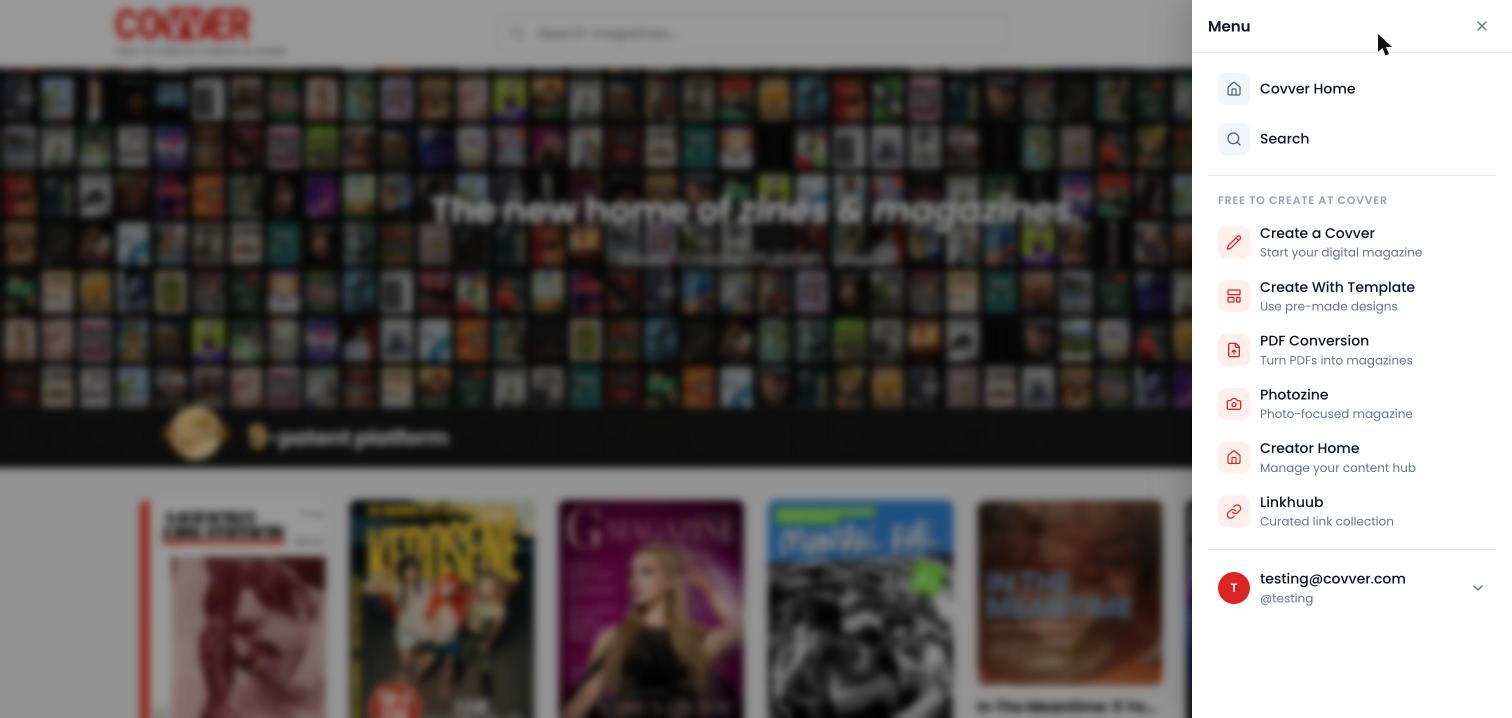
Your account links in the main menu
All four pages need you to be signed in. If you open one while signed out, Covver asks you to sign in first.
Read List
Read List opens Purchases, a grid of the magazines you unlocked by paying with a card. Select a cover to read it. The page shows how many magazines you bought.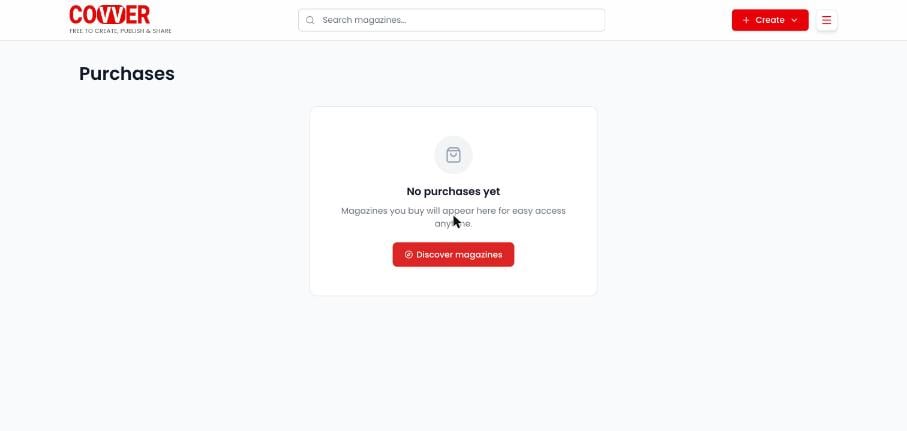
Purchases with nothing bought yet
Subscriptions
Subscribing to a creator follows them on Covver. Subscribe with Subscribe below any of their magazines, or + Subscribe on their stand. The Subscriptions page says how many creators you follow, for example “You are subscribed to 3 creators”, and shows a card for each one with their avatar, name and @username. Select a card, or Visit Stand, to open that creator’s stand.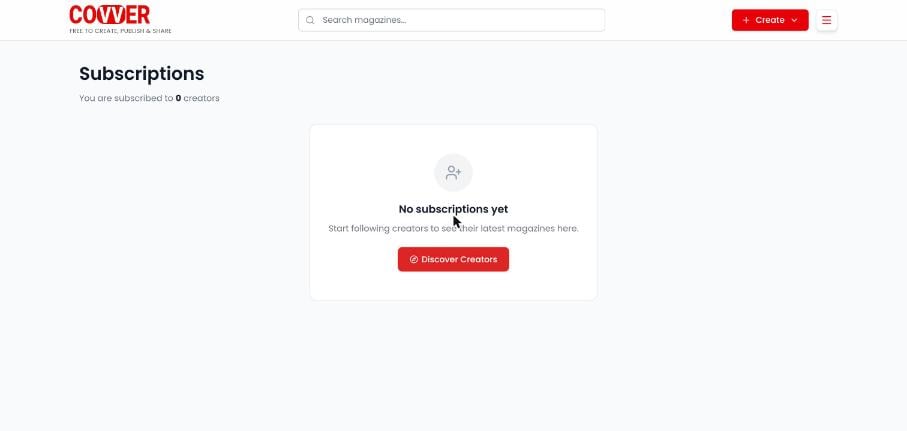
Subscriptions with no creators yet
When a creator’s account is private, subscribing sends a request instead. The button reads Request sent or Request pending until the creator approves you.
Read Later
Read Later shows the magazines saved to read later, with a count of how many you have. Select a cover to open the magazine.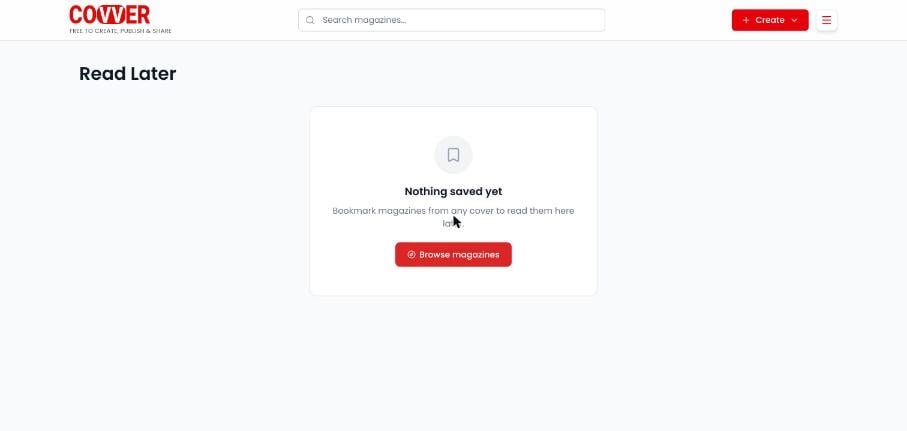
Read Later with nothing saved yet
Rips
Rips lists the pages you ripped from magazines, with a count such as “2 rips saved”. Each rip has View, which opens the magazine it came from, and Delete, which removes it after you confirm.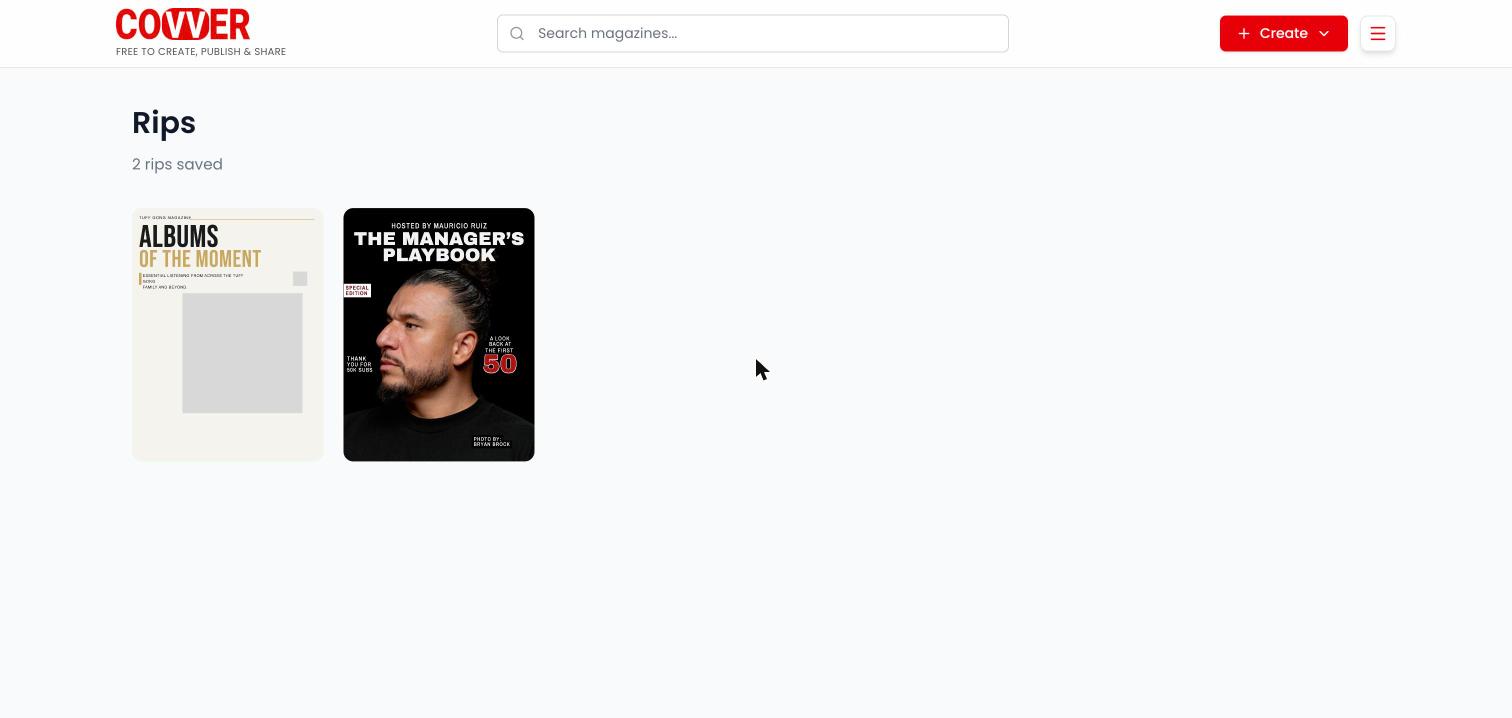
The Rips page
Common questions
I paid for a magazine but it is not in my Read List
I paid for a magazine but it is not in my Read List
Make sure you are signed in with the account, or the email, you used to pay. Purchases can take a moment to appear. Magazines bought through a creator’s Shopify store are unlocked with I’ve already bought on the magazine instead. See Locked pages.
How do I stop following a creator?
How do I stop following a creator?
The Subscriptions page does not have an unsubscribe button. Contact Covver using the addresses on covver.com/overview.
Can other people see my library?
Can other people see my library?
These pages show your own lists only when you are signed in, and they do not appear on your stand or anywhere public on covver.com.