
Header
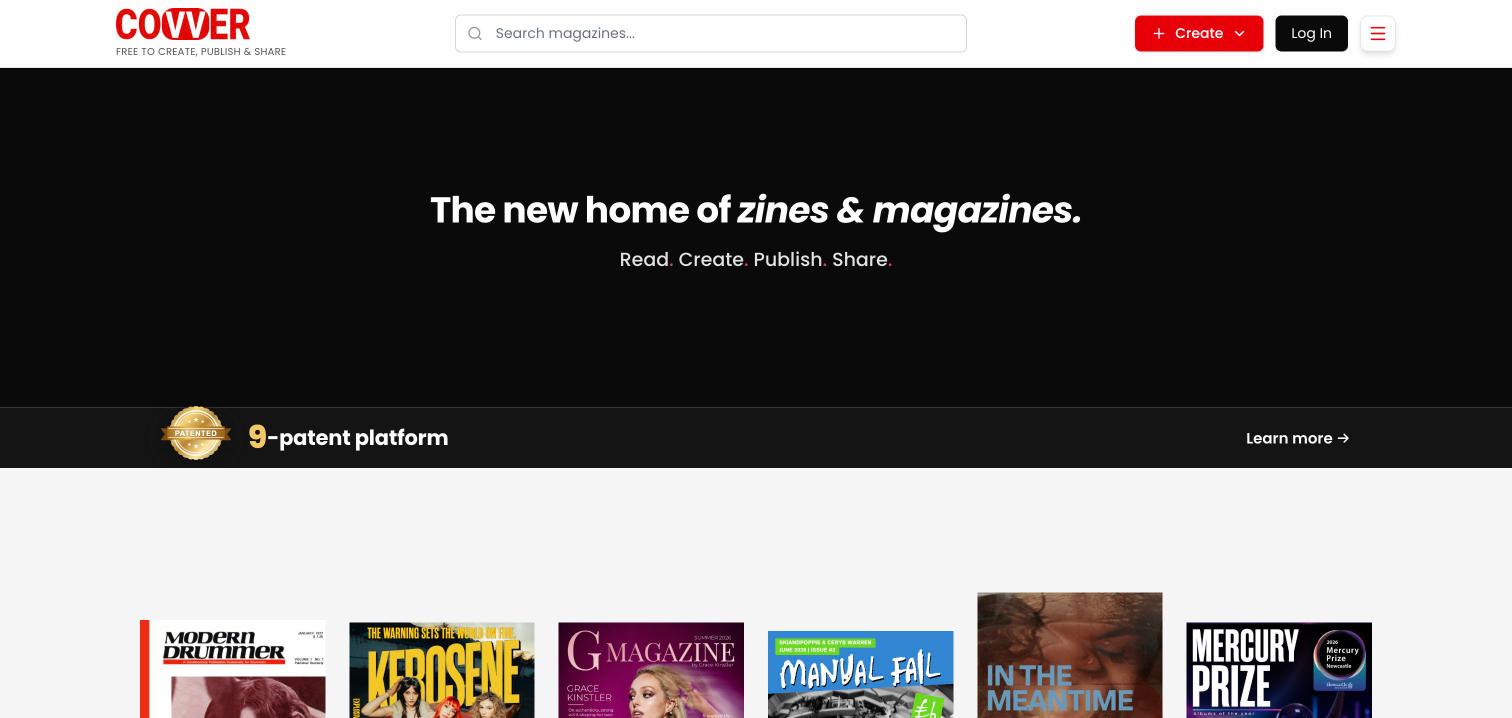
The covver.com header
On a phone, the header shows only the logo and the menu button. Search and the creation shortcuts are in the main menu.
On a computer, when you are signed out, Google may offer to sign you in with your Google account in a small prompt at the top right. You can ignore it.
Create menu
Select Create in the header. The menu is headed Free to create at Covver.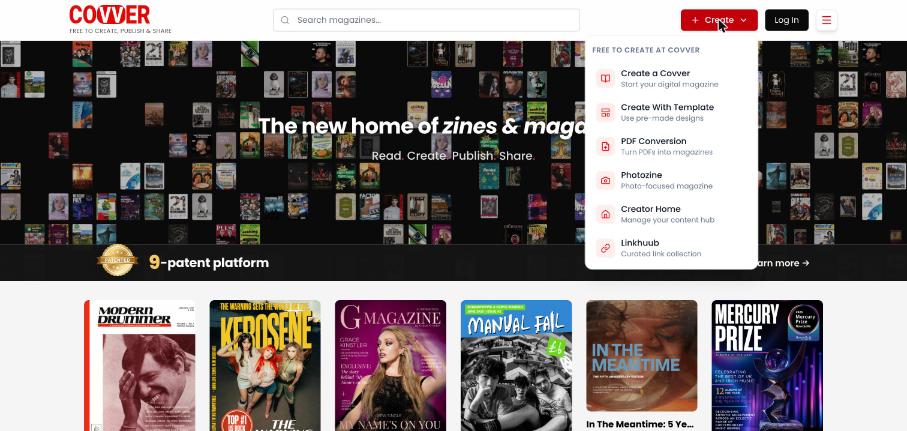
The Create menu
When you go to the Builder from covver.com, you stay signed in with the same account.
Main menu
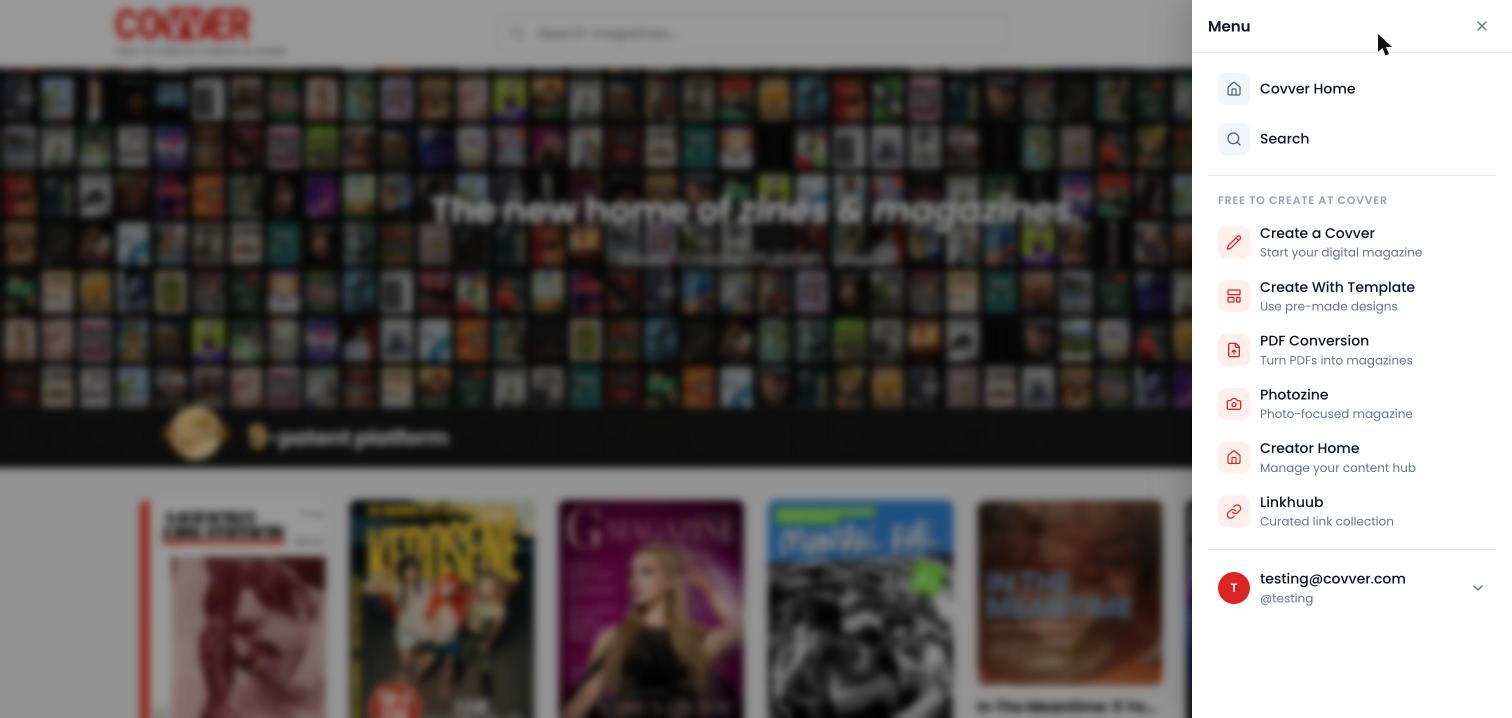
Select the menu button at the top right of any page. The same menu opens from the header, from a creator’s stand and from the viewer.- Signed out
- Signed in
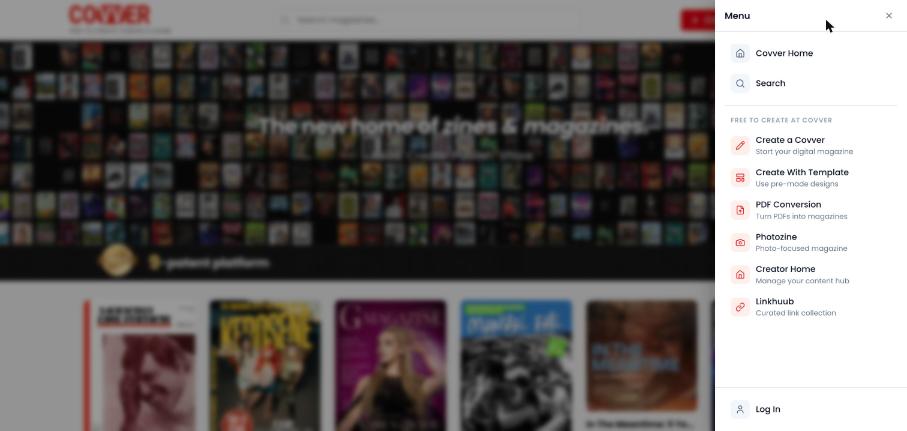
The main menu when you are signed out
Footer
The footer at the bottom of the home page and other site pages has these links:Menus in the viewer and on stands
The viewer and creator stands do not show the header. Instead they have:- A Back arrow at the top left. It returns to the page you came from on covver.com, or to the home page if you opened the link directly.
- The menu button at the top right, which opens the same main menu.